For macOS · Runs entirely on your Mac

Sit in the lecture. Read the notes.

Earnote records, transcribes with Whisper and turns the result into a structured note — all on your Mac. No account, no subscription, nothing in the cloud.

macOS 15 or newer · Apple Silicon · free · MIT licence

Currently in beta: it works, and it gets better every week. Tell me what breaks.

Or with Homebrew: brew tap louiskl/earnote && brew trust louiskl/earnote && brew install --cask earnote

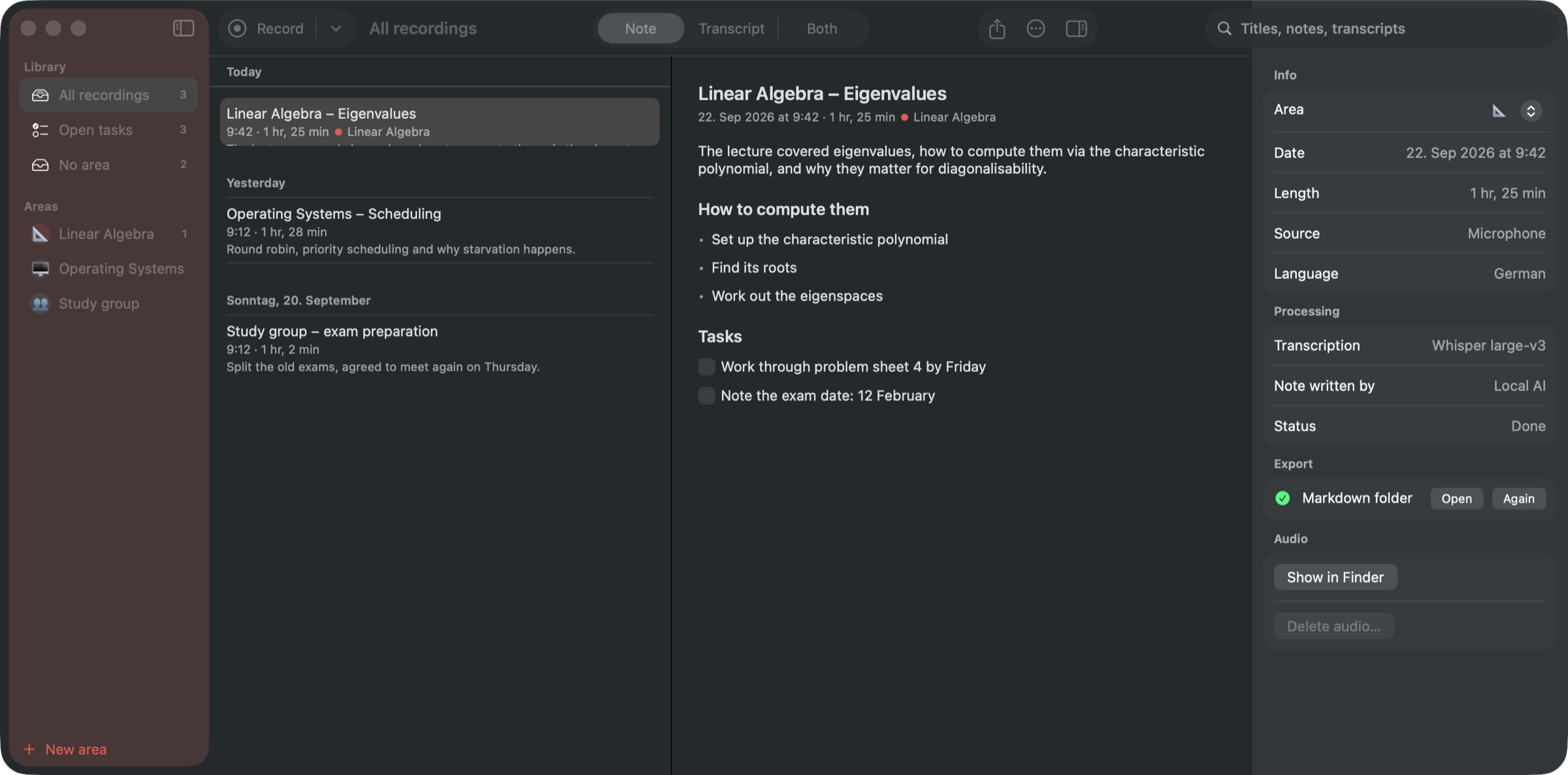
Earnote showing a lecture note with tasks, the inspector and the player bar

How it works

Hit record.
Get a study sheet.

  1. 1

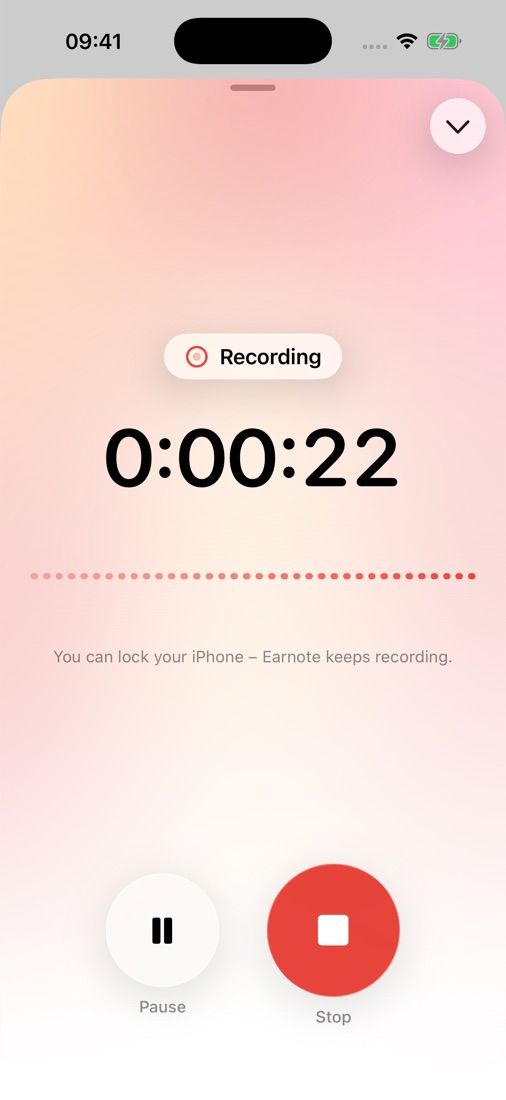
    Start the recording

    ⇧⌘R, or one click in the menu bar. Microphone and system audio are captured together.

  2. 2

    Earnote writes along

    Whisper transcribes while you are still in the room, so nothing is left to do afterwards.

  3. 3

    The note is ready

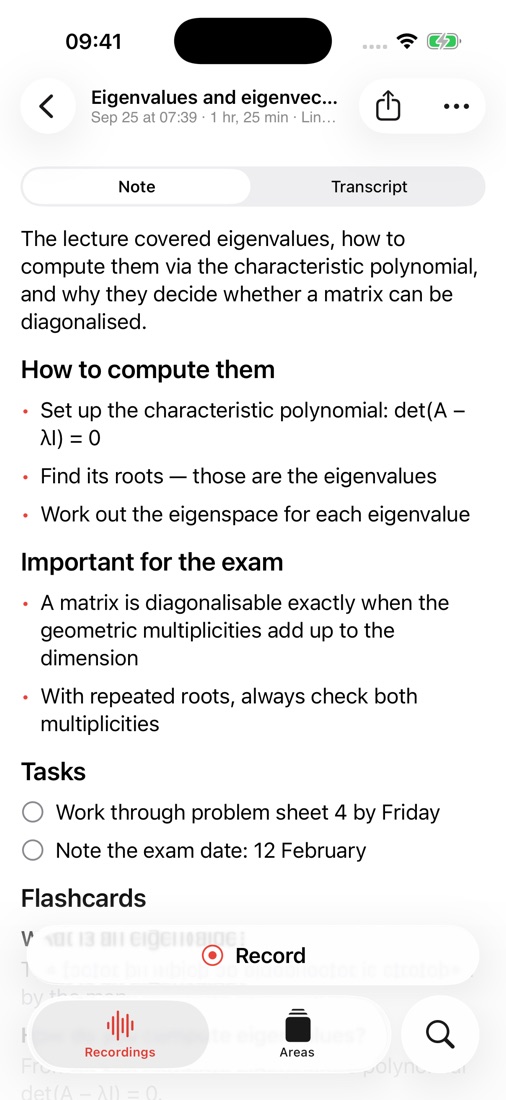
    Summary, topics, decisions and tasks as checkboxes — minutes after you stop.

Linear Algebra · recording
42:18

Transcribed on this Mac · 12× faster than real time

Note

Eigenvalues and eigenvectors

21 Sep · 1 hr 25 min · Linear Algebra

The lecture covered eigenvalues, how to compute them via the characteristic polynomial, and why they matter for diagonalisability.

Tasks

  • Read chapter 4 before the tutorial
  • Work through problem sheet 4 by Friday
  • Note the exam date: 12 February

The note

Not a wall of transcript.

Earnote writes what you would have written yourself if you had been fast enough: a short summary, the topics that actually came up, decisions, and tasks you can tick off. Edit any of it, or summarise again with your own instruction — the AI version is one click away.

Listen back

Every timestamp is a button.

When the lecturer went too fast, click the time in the transcript and hear exactly that moment. The paragraph that is playing stays highlighted while you read along.

Want both at once? ⌘3 puts the note and the transcript side by side, and the transcript scrolls along with the audio.

Transcript
▶ 12:04…so the characteristic polynomial gives us the eigenvalues.
▶ 12:31Watch out: a repeated root does not automatically mean the matrix fails to diagonalise.
▶ 13:07We will do an example with a 3×3 matrix now.
12:38 −1:12:47
Fix names and terms

Spelled wrong

Professor Maier

Correct

Professor Meyer

Applies to title, note and transcript — and goes into your dictionary, so Whisper gets it right next time.

Names and terms

Fix a name once.
Not in every recording.

Lecturers’ names, module titles, technical terms: put them in the dictionary and Earnote hands them to Whisper and to the AI before they even become a mistake. Per area or for everything.

Privacy

Nothing leaves your Mac.

Transcription runs locally with Whisper. The notes are written by a language model that Earnote downloads once and then runs on your device — no account, no API key, works offline.

Your audio stays put

Recordings, transcripts and notes live in your home folder and are never synced.

No telemetry

No analytics, no crash pings, no server that belongs to Earnote.

Cloud only if you ask

You can pick Claude, OpenAI, Gemini or your own server — the app says clearly when text would leave.

More of it

Small things that add up.

📄

Study sheet as PDF

Print the note or save it as a clean PDF — headings, bullet points, tasks as boxes.

🔎

Search inside recordings

Find a term across all transcripts, step through the matches with ⌘G, hear the spot.

📅

Named after your calendar

If an event is running, the recording is called “Linear Algebra” instead of “Uni, 21 Sep”. You choose which calendars count.

⌨️

One shortcut, anywhere

⌃⌥⌘R starts and stops a recording from any app — no window to find first.

📞

Notices your calls

Zoom, Teams, Meet: Earnote asks whether it should take notes, and can stop when the call ends.

🗂

Areas with their own style

Every subject or client gets its own colour, instructions for the AI and export targets.

📤

Files notes where you work

Notion, Obsidian, Logseq, Apple Notes, Bear, Craft or a plain Markdown folder.

📚

The whole semester at once

One overview across every lecture of a subject: topics, how they build on each other, exam hints.

🃏

Flashcards for the exam

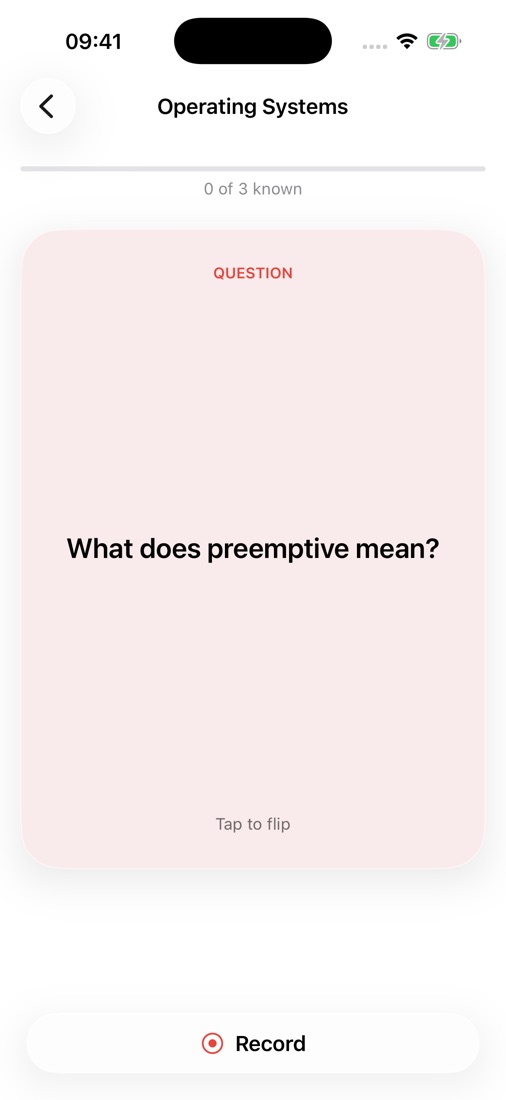
Question and answer cards straight from the lecture — edit them in the note, export them to Anki.

Tasks where you keep them

Open tasks go to Apple Reminders, Things or Todoist — one list per subject.

🔄

Keeps itself up to date

Earnote tells you when a new version is there, shows what changed and installs it after you agree.

🧹

Doesn't eat your disk

See what the recordings take up and drop the audio of old ones — notes and transcripts stay.

🤫

Quiet parts stay quiet

Earnote filters the sentences Whisper invents during silence instead of writing them down.

In the app

Built like a Mac app.

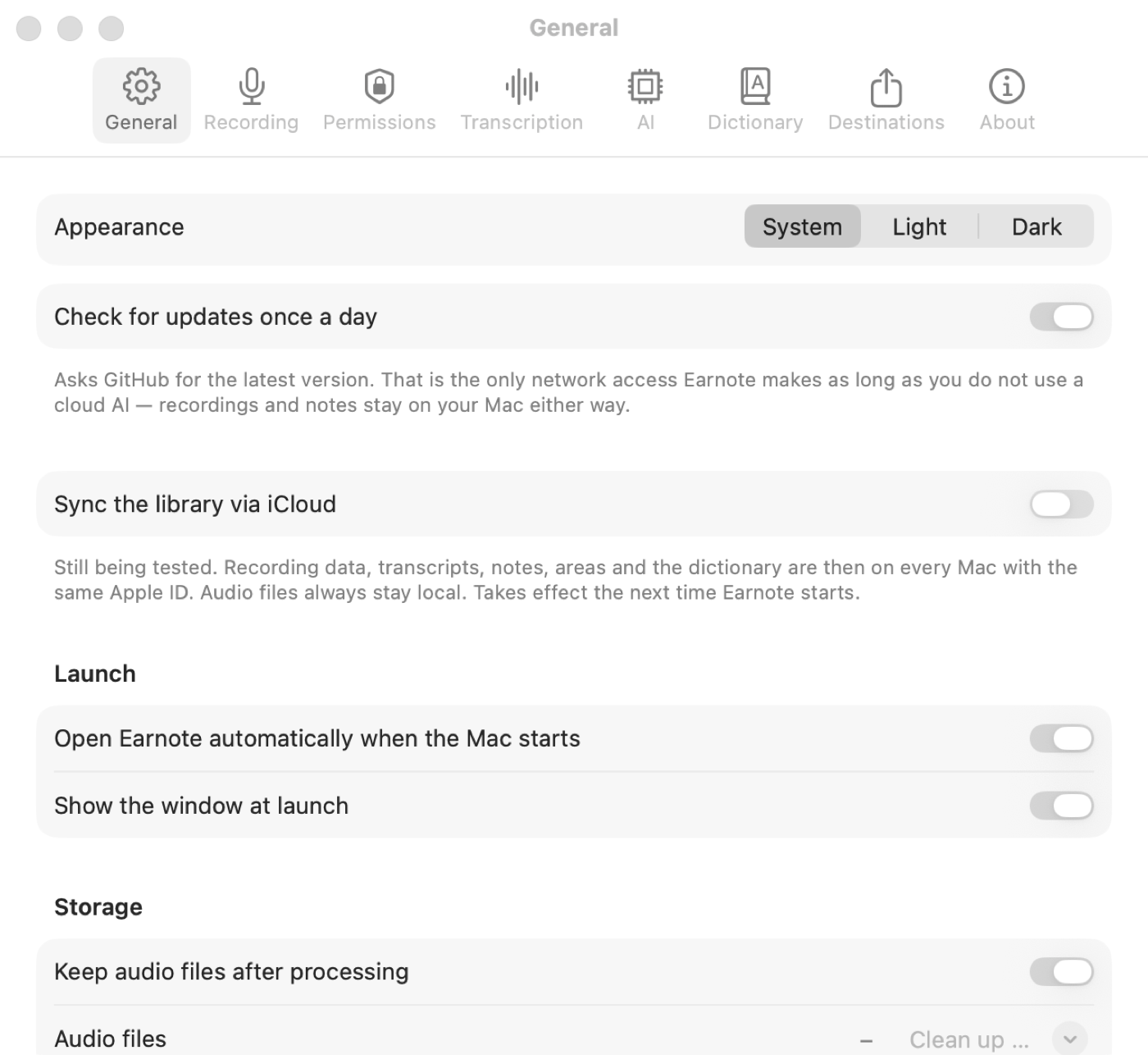
Earnote settings window
Six local AI models to choose from — Earnote preselects the one that fits your Mac.
Earnote in dark mode with the player bar
Note and transcript side by side (⌘3), in light and dark.

Questions

Good to know.

Is it really free?
Yes. Free, open source under the MIT licence, no accounts, no paid tier. A student project, not a business.
How fast is it?
On an M1 MacBook Air a 60-minute lecture is transcribed in about five minutes — and since Earnote transcribes while you record, the note is usually ready a few minutes after you stop.
What do I need?
macOS 15 or newer on Apple Silicon and about 8 GB of memory. On the first run it downloads the speech model (~1.6 GB) and the local AI (~2.3 GB) — once, and it tells you what it is doing.
Does it work with Zoom, Teams and Meet?
Yes. Earnote captures system audio alongside your microphone, so everyone on the call ends up in the transcript.
Which languages?
The interface follows your Mac: English or German. Recordings can be transcribed in many languages, and you choose the language of the notes separately.
Am I allowed to record this?
Ask the people in the room first — in Germany § 201 StGB applies to private conversations. Earnote shows a reminder before each recording; the responsibility is yours.
Why isn’t it in the App Store?
The sandbox there would get in the way of recording system audio and filing notes into other apps. The download here is signed and notarised by Apple, so it opens with a double-click.

Your next lecture starts soon.

26 MB, signed and notarised. Install it, allow the microphone, done.